MetaTrader 5 download FAQ
Common questions about downloading, installing, choosing a platform, and logging in to MT5.
Is MetaTrader 5 free to download?
The MetaTrader 5 client is free to obtain and install, including Windows, macOS, iPhone / iPad, Android, and WebTerminal. Terms, fees, and tradable instruments for a live account are set by the broker you connect to.
Should I choose the Windows or macOS version?
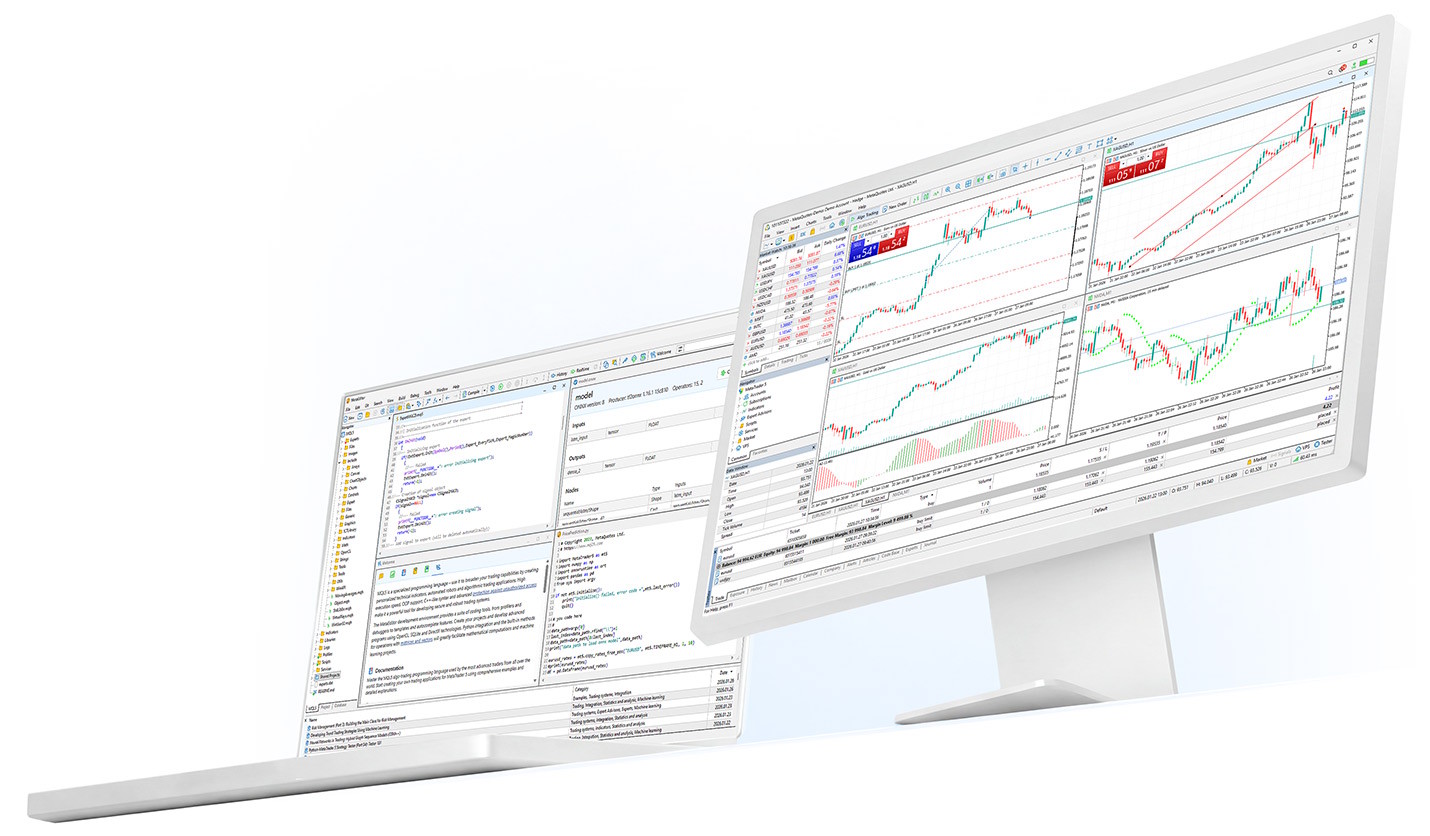
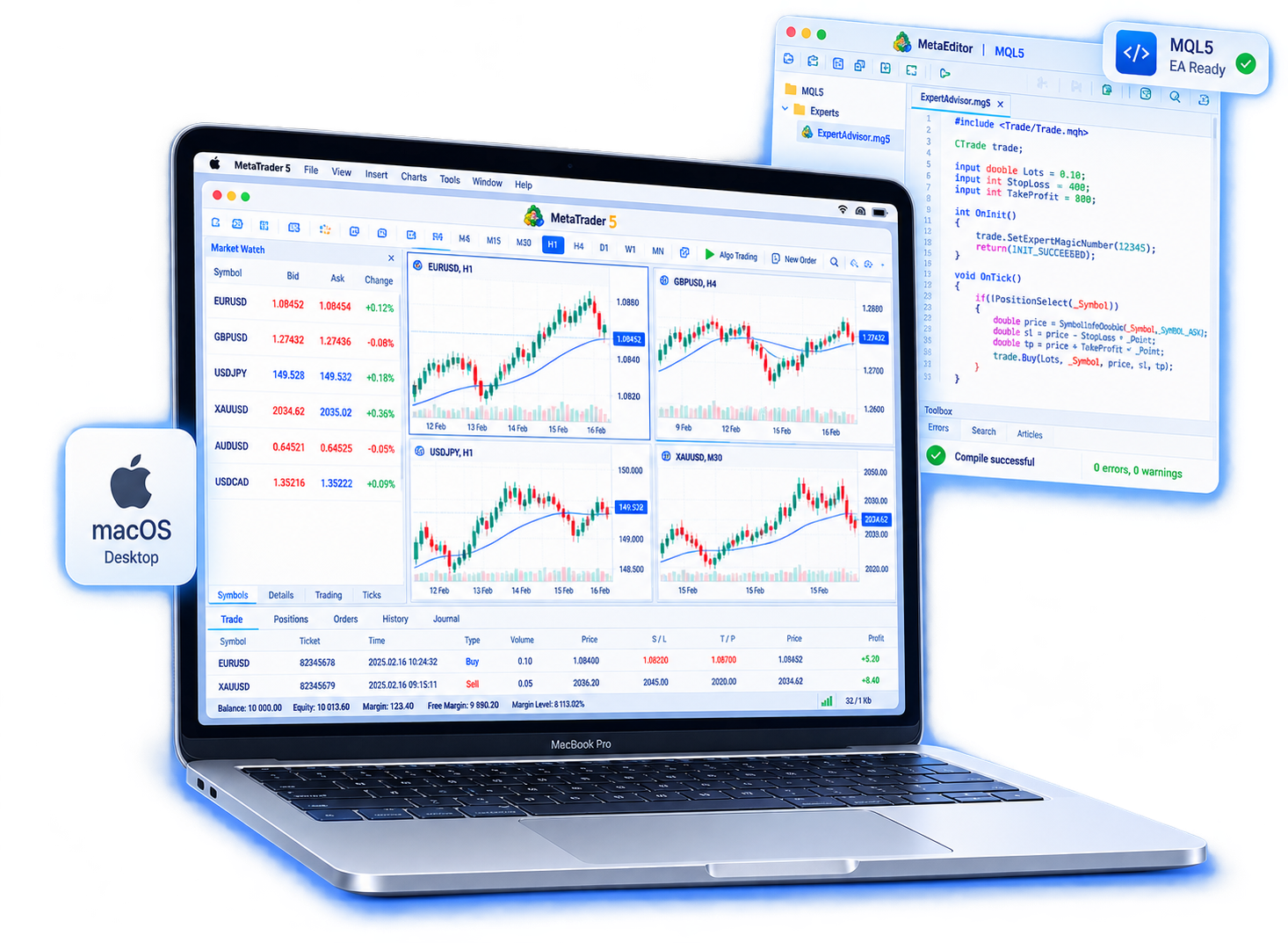
Choose the version for the computer you use. Windows users take the Windows build; Mac users take macOS. Desktop is better when you need extended chart analysis, order management, EAs, and strategy research.
Can I use MetaTrader 5 on iPhone, iPad, and Android?
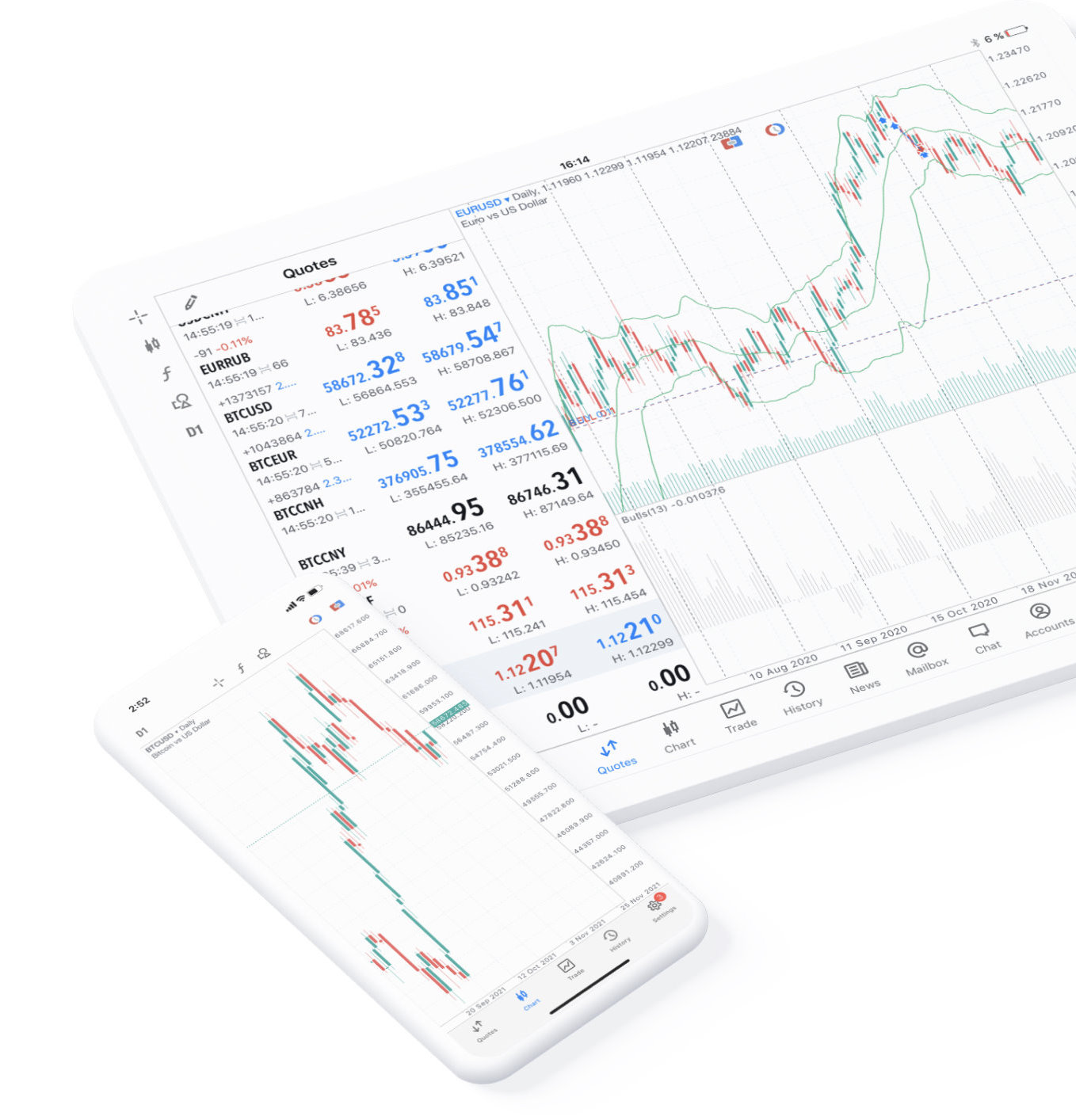
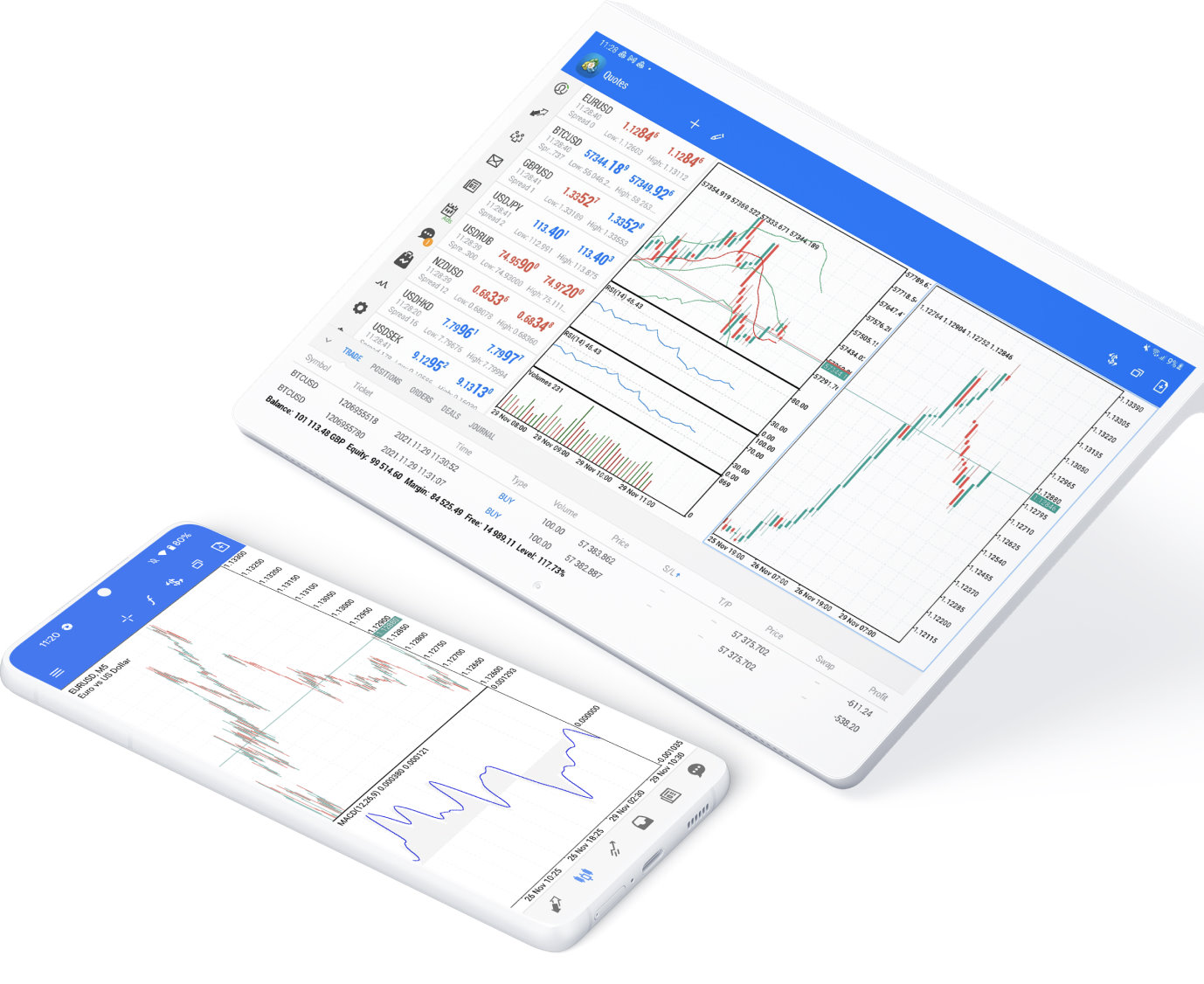
Yes. MetaTrader 5 has mobile apps for quotes and charts plus order, position, and account management. Get it from the App Store on iPhone / iPad, or from Google Play and other official channels on Android.
Does MetaTrader 5 WebTerminal require a download?
No. WebTerminal opens in a supported browser. It suits a temporary computer or when you cannot install the desktop client. Some advanced features remain desktop-only.
Can desktop and mobile log in to the same trading account?
Usually yes. With the correct account number, password, and trading server you can log in to the same account on supported platforms. Availability depends on the broker’s account service.
Why can I not log in after installing MetaTrader 5?
Besides checking the login and password, confirm you selected the correct trading server. Different brokers or account types may use different servers. Login details are typically in your account documents or materials from the broker.
What should I watch for when downloading MetaTrader 5?
Prefer official MetaTrader 5 channels or the App Store and Google Play. Before installing, check the app name, publisher, and file source. Avoid unknown or modified clients.
Is MetaTrader 5 a broker? Can I trade right after download?
MetaTrader 5 is trading platform software, not a broker. After you install the client, you still need a trading account and server details from a broker to connect to live trading.