MetaTrader 5

MetaTrader 5, professional trading and market analysis platform

Combines execution, technical and fundamental analysis, algorithmic trading, and multi-terminal access into one complete, flexible professional toolkit for different trading scenarios.

Download now
MetaTrader 5 product interface
MetaTrader 5 flexible trading system interface
01

A flexible, complete trading system

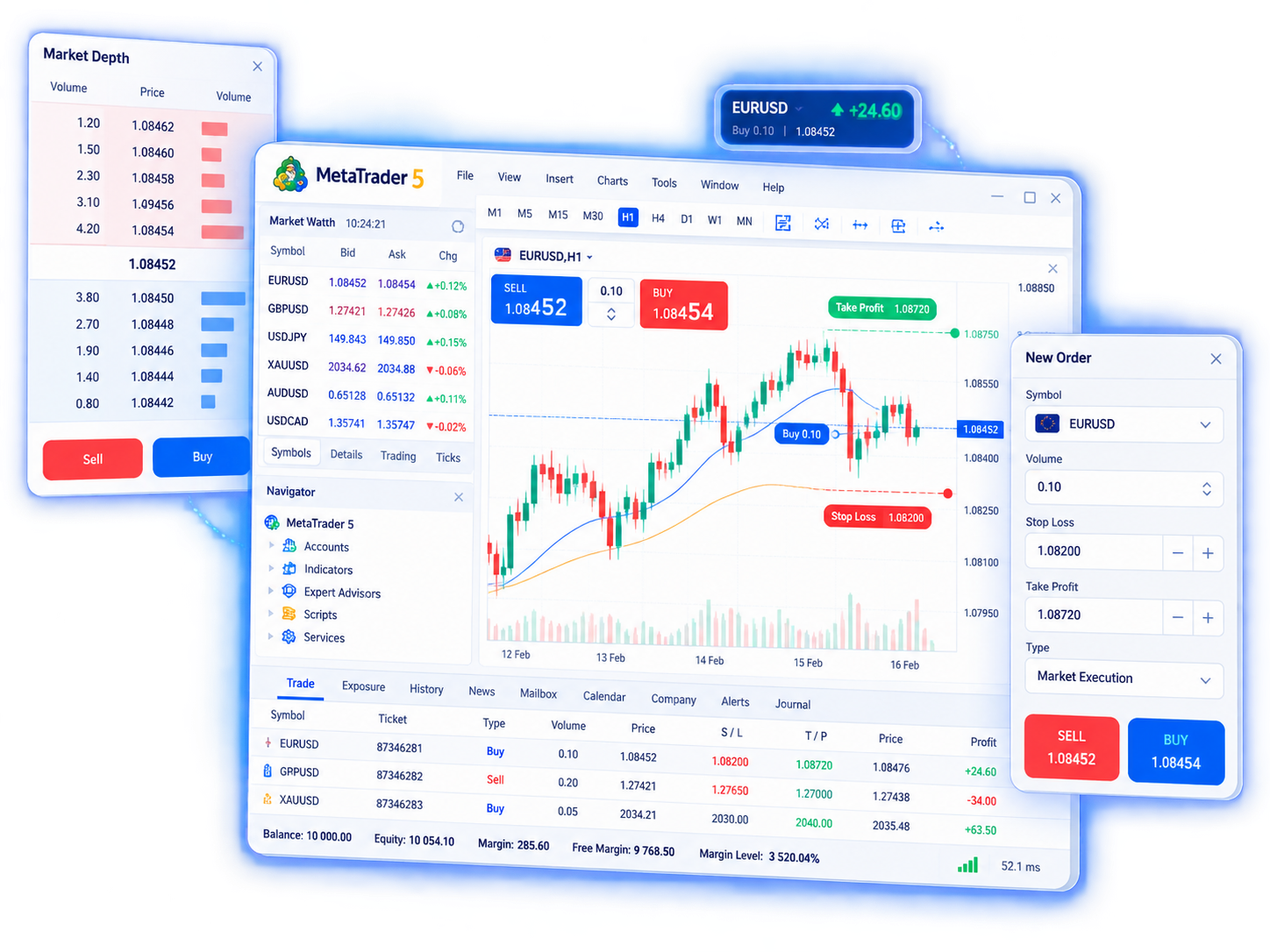
MetaTrader 5 provides a full order and position management system for everyday trading in forex, stocks, futures, indices, and other markets. You can choose order types that match your strategy and manage risk and size within what your broker supports.

  • Market orders, pending orders (limit, stop, and more), plus stop loss, take profit, and trailing stop.
  • Netting or hedging position modes according to broker rules, including partial close.
  • When the broker provides Depth of Market (DOM), you can review bid/ask structure and liquidity to time fills.
MetaTrader 5 professional technical analysis tools
02

Professional technical analysis tools

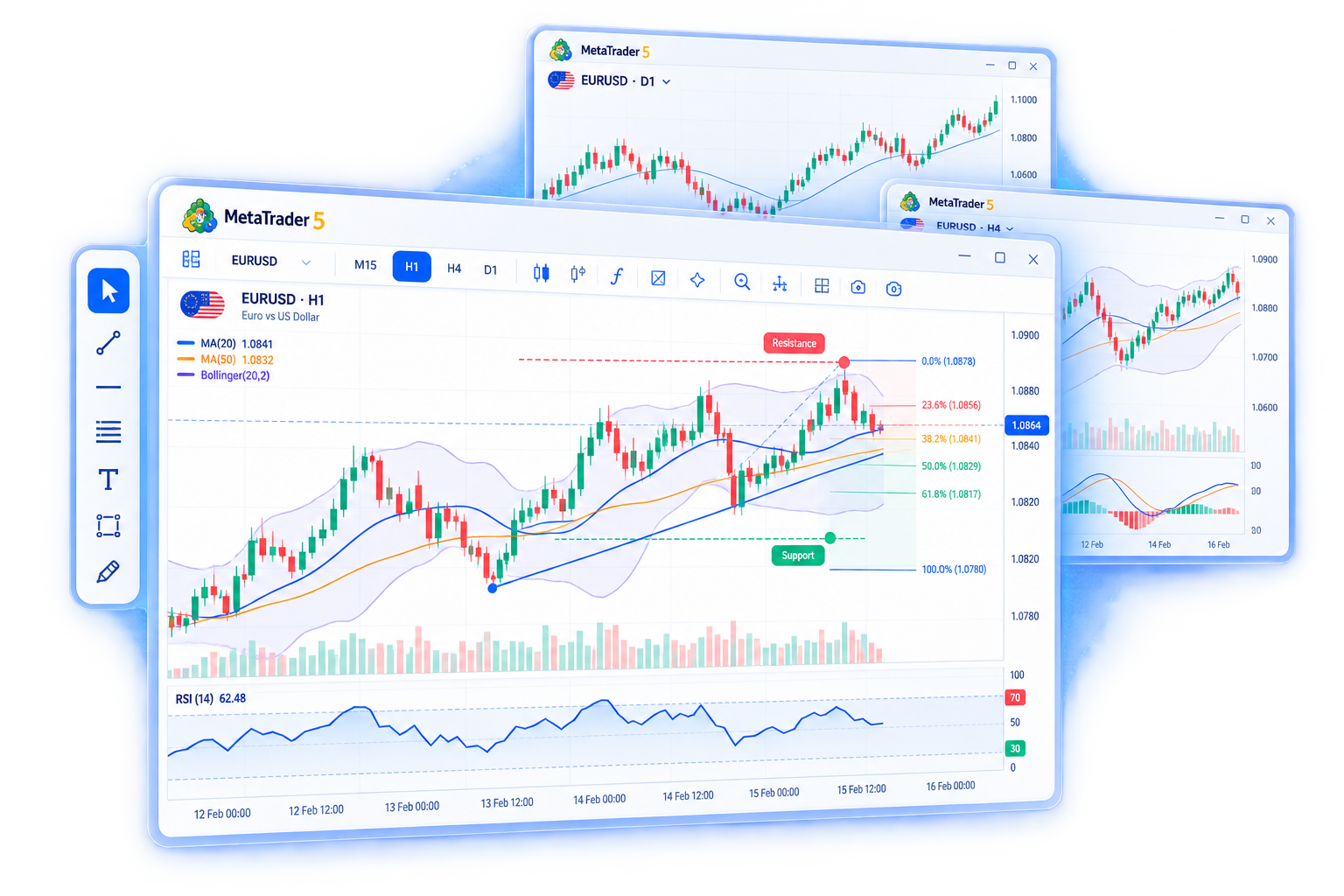
Chart analysis is a core capability of MetaTrader 5. The terminal includes a wide range of timeframes, indicators, and drawing objects for trend work, range markup, and multi-timeframe comparison.

  • 21 timeframes from minutes to monthly, with multi-chart layouts on one screen.
  • 80+ built-in indicators plus custom indicators for moving averages, oscillators, volume, and more.
  • Trend lines, Fibonacci, channels, and other objects for marking support, resistance, and structure.
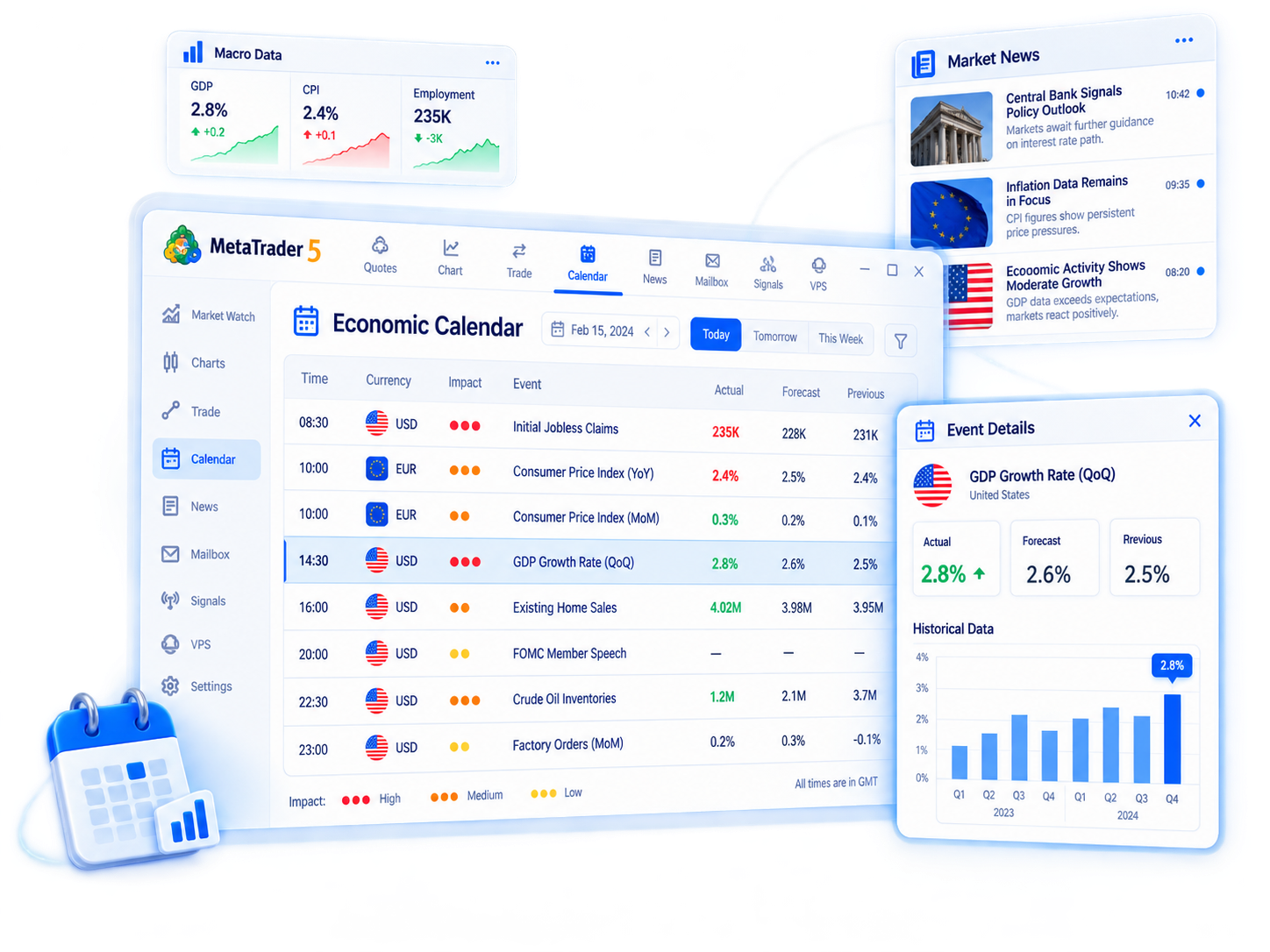
MetaTrader 5 fundamental analysis interface
03

In-depth fundamental analysis

Besides technical charts, MetaTrader 5 brings in fundamental information so you can follow macro events and financial news that may move markets, and plan observation and trading around them.

  • Built-in economic calendar for major data releases and event times.
  • Financial news and market commentary for macro and sector context.
  • Use fundamentals together with chart analysis; available content depends on the terminal and broker setup.
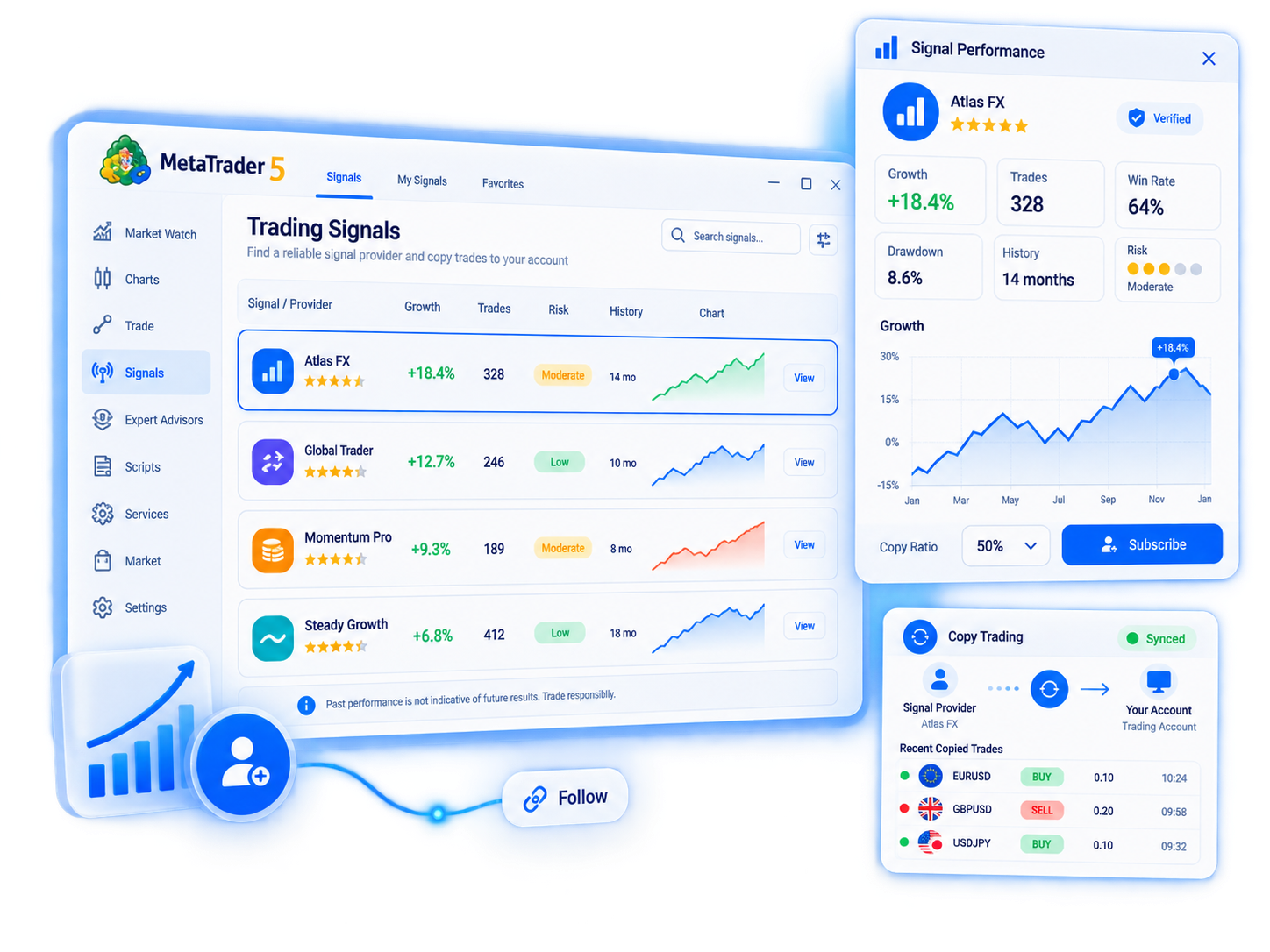
MetaTrader 5 trading signals and copy trading
04

Trading signals and copy trading

With MetaTrader Signals you can subscribe to other traders’ signals and copy their actions automatically or semi-automatically in your account—or publish your own strategy as a signal. Useful if you want to follow others’ ideas or share strategy performance.

  • Browse, filter, and subscribe to signals in the terminal, and sync related trades at a chosen ratio.
  • Providers can show historical performance and statistics for subscribers to review.
  • Copy trading does not guarantee profit; past results do not indicate future outcomes. Understand the rules and risks first.
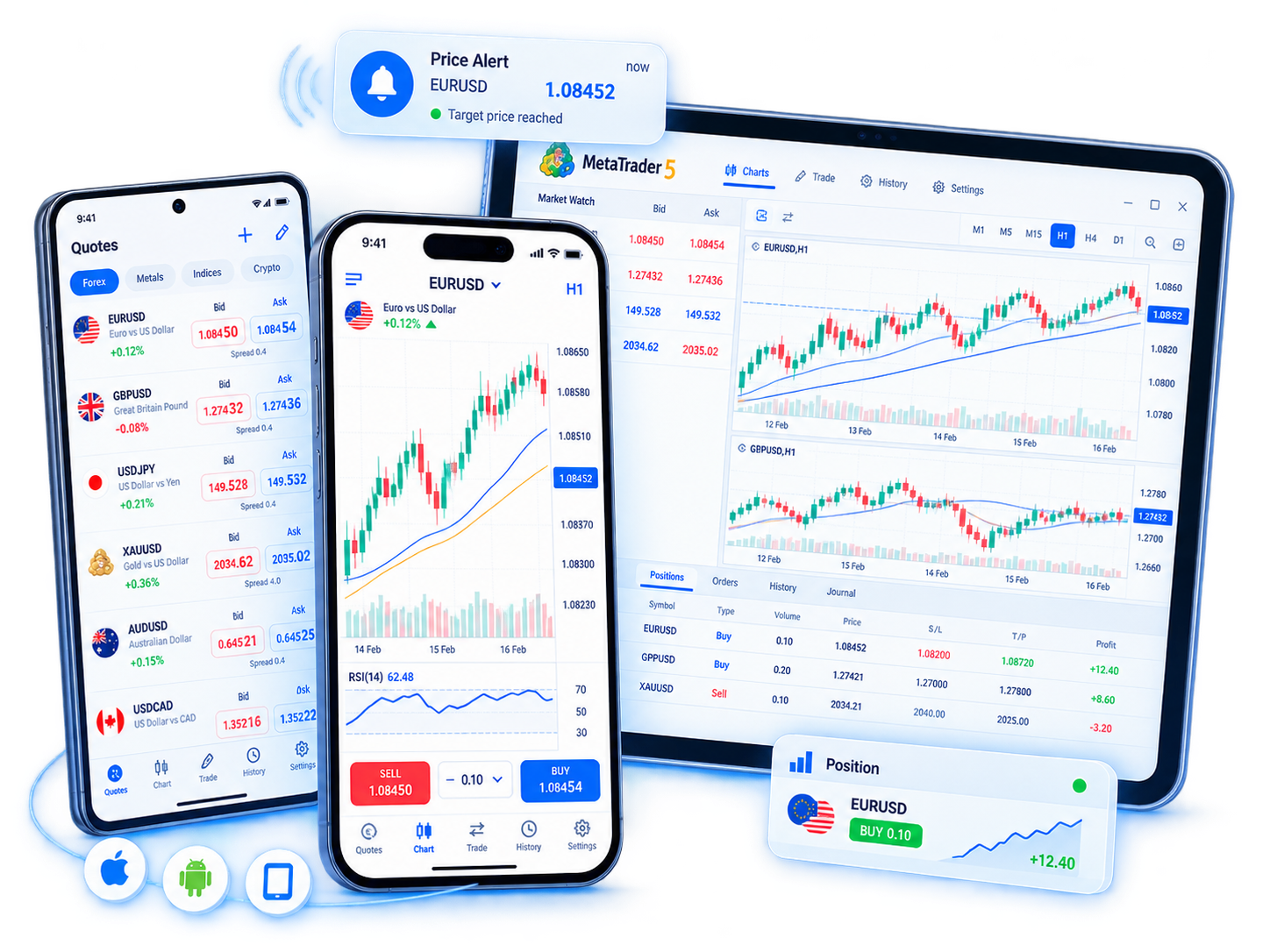
MetaTrader 5 mobile trading interface
05

Mobile trading anywhere

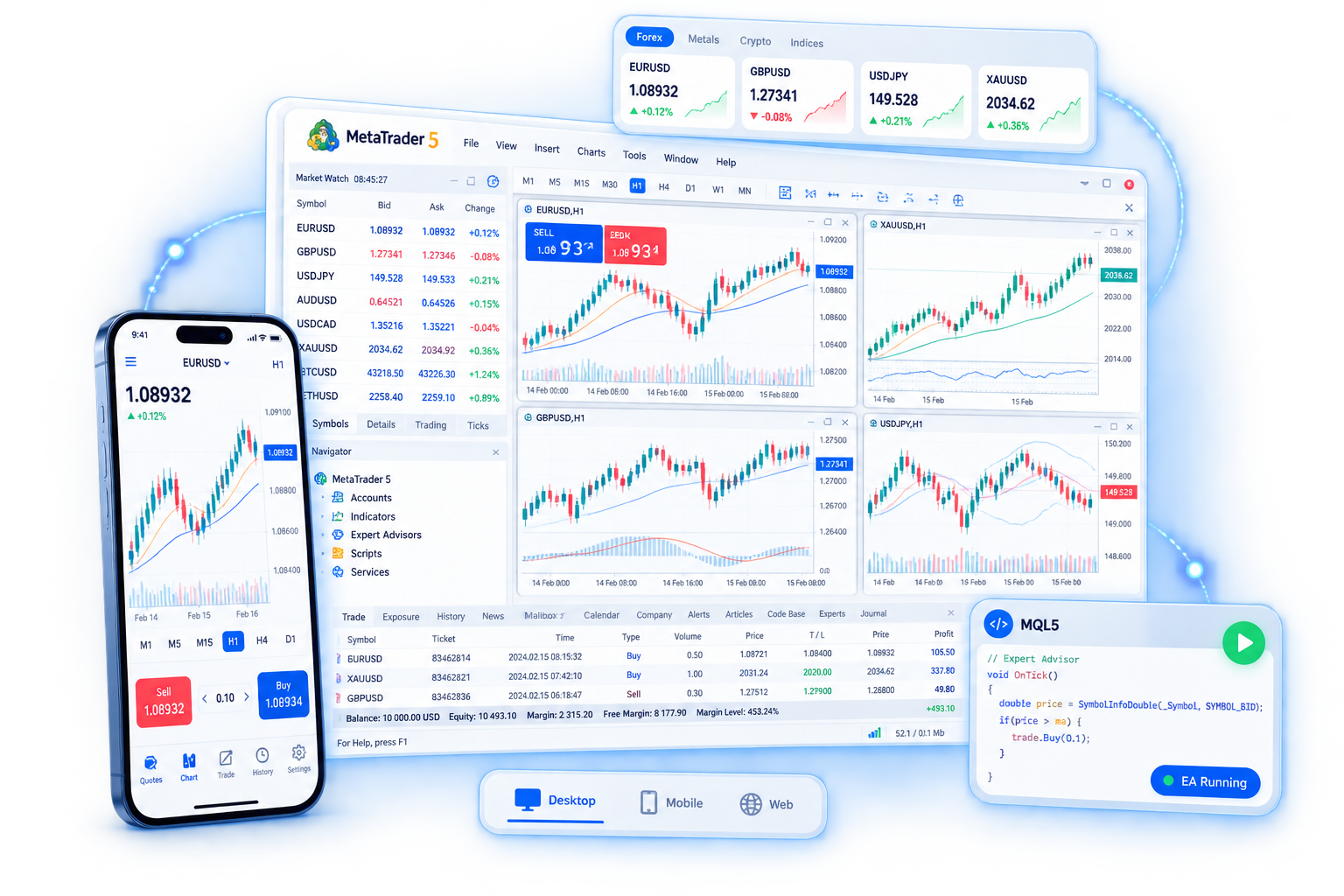
MetaTrader 5 offers iPhone, iPad, and Android apps so you can check quotes, manage orders, and track positions and equity while away. Mobile focuses on quick actions and monitoring, and works alongside the desktop terminal.

  • Quotes, charts, order placement, and order management for on-the-go trading.
  • Price alerts and related notifications for key levels and account status.
  • Install from the App Store or Google Play and confirm the publisher.
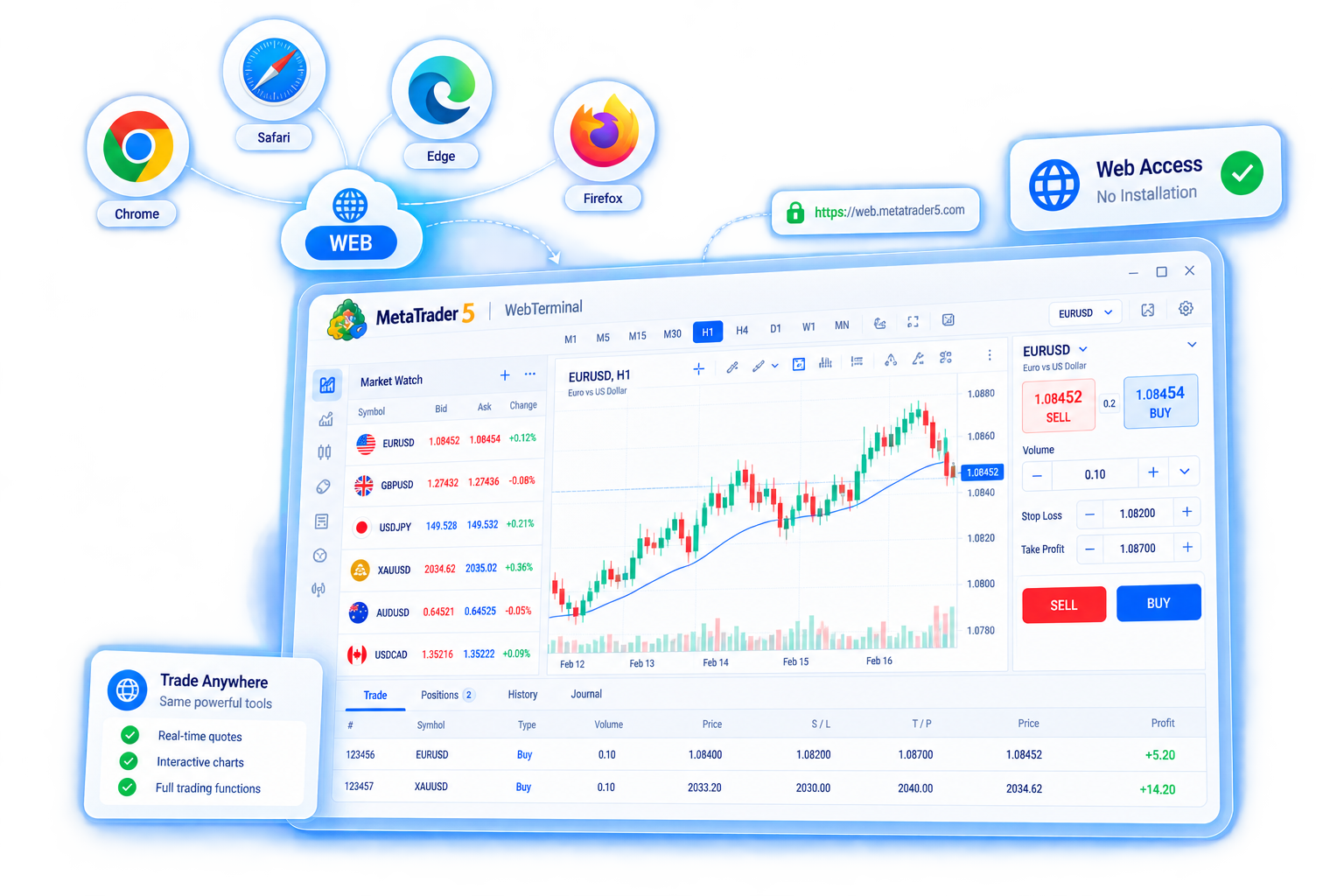
MetaTrader 5 web trading interface
06

Convenient web trading

The MetaTrader 5 Web terminal needs no client install. With a browser and a network connection you can log in, view markets, and trade. It suits temporary use, shared computers, or situations where you cannot install software.

  • Open a page to start—no download or install, lower friction to begin.
  • Covers common charting and trading; strategy testing, MetaEditor, and similar tools remain primarily on desktop.
  • Confirm you are using the official Web terminal URL and keep account and network security in mind.
MetaTrader 5 automated and algorithmic trading
07

Automation and algorithmic trading

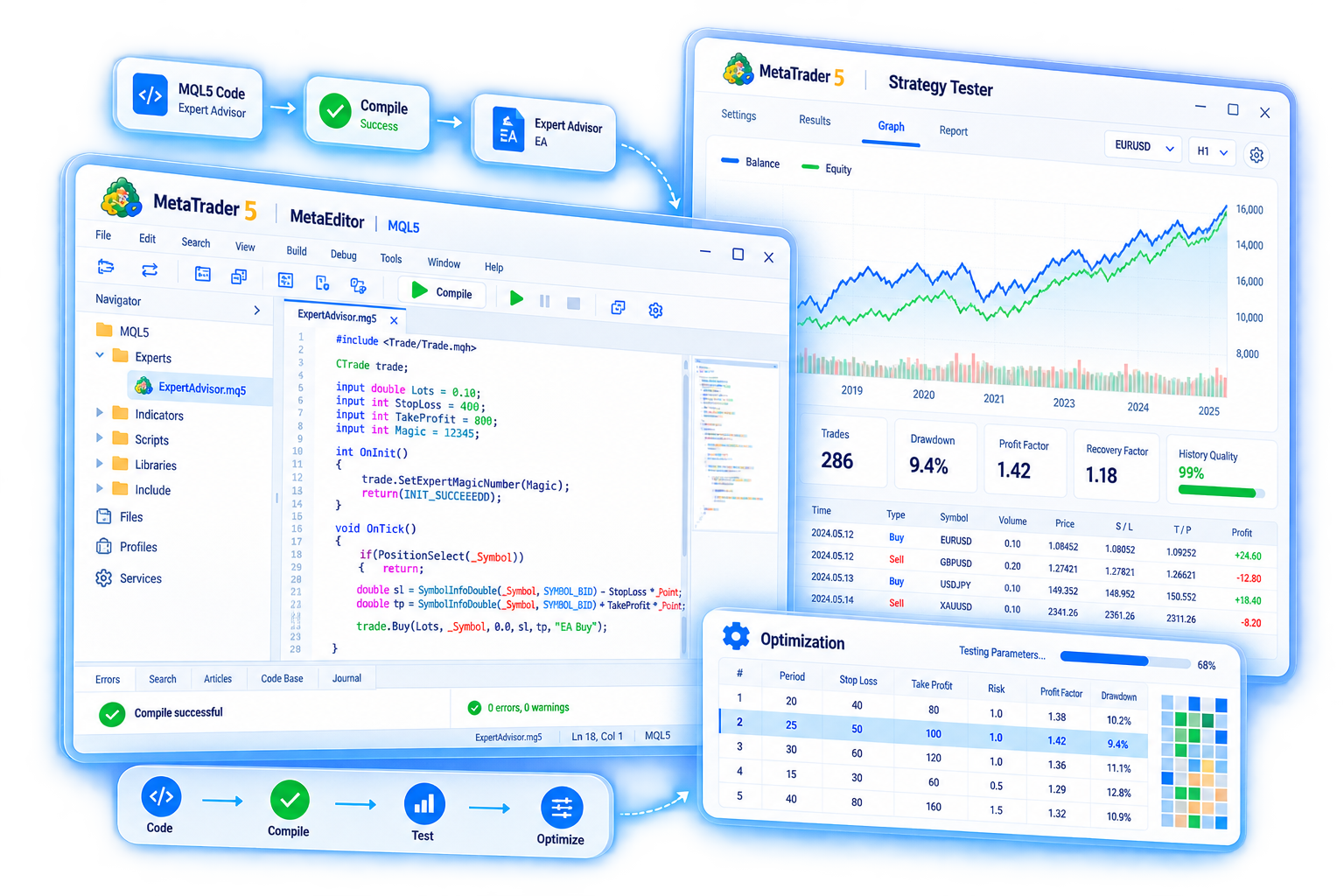
MetaTrader 5 includes the MQL5 language and the MetaEditor environment so you can write and run Expert Advisors (EAs), custom indicators, and scripts. The Strategy Tester lets you validate logic on history, tune parameters, and review strategy behavior.

  • Build automated programs in MQL5 to place or close orders or issue alerts by rule.
  • The Strategy Tester supports historical backtests, visual testing, and parameter optimization.
  • Algorithmic trading carries technical and market risk; backtests do not guarantee live results. Test thoroughly first.
MetaTrader 5 Market for trading applications
08

A rich Market of trading apps

MetaTrader Market is the in-platform store where you can buy, rent, or download robots, indicators, scripts, and utilities—extending the terminal without building everything from scratch.

  • Filter EAs, indicators, and scripts by need and use them after installing in the terminal.
  • Some products offer demos or trials so you can see if they fit how you trade.
  • Third-party quality varies. Read descriptions and reviews and assess risk before purchase or use.

Ready to get started?

Choose Windows, macOS, mobile, or Web and get MetaTrader 5 for free.

Go to download